Benefits of connecting oscilloscope to computer in technical testing
- Save time and improve productivity:
For those who are new to the connection, when connecting the oscilloscope to the computer, you can observe the waveform directly on the large screen and operate faster through the included software.
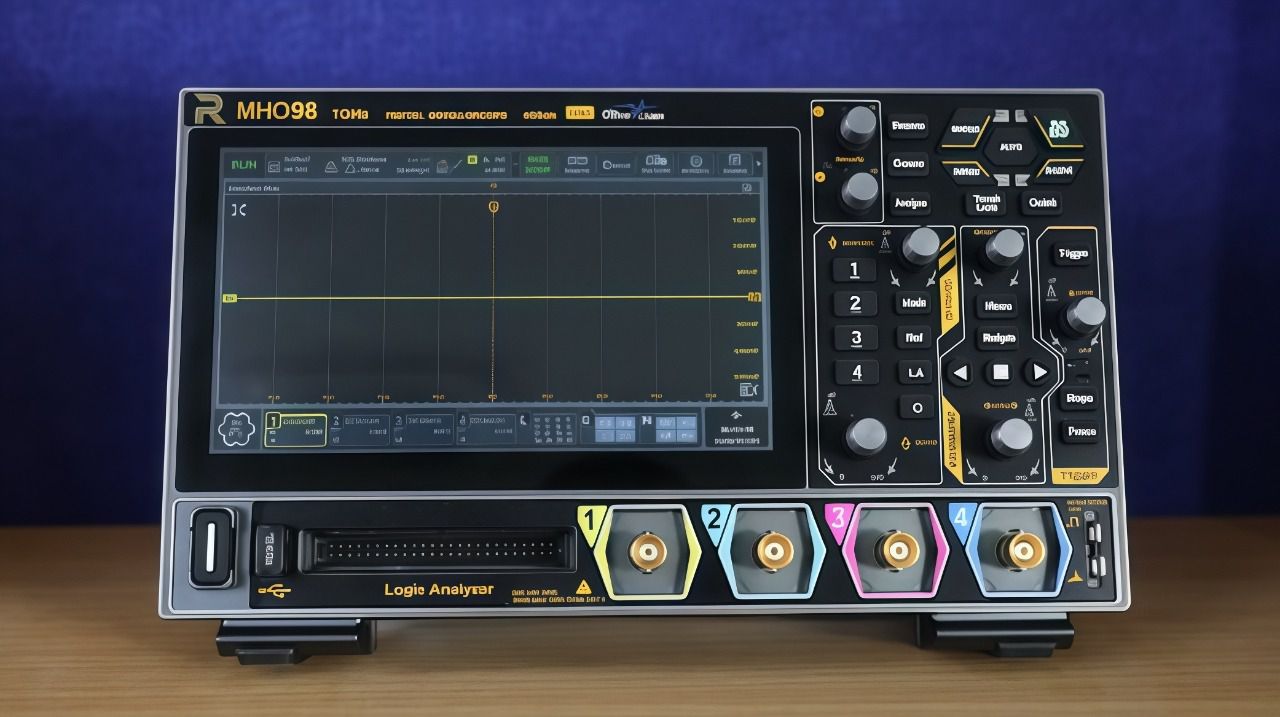
This way helps avoid having to look at the small screen of the machine, and allows multiple measurements to be performed at the same time thanks to the integrated analysis tools. The Rigol MHO98 oscilloscope allows you to save waveform data for later comparison and analysis without losing data.
- Simplify the process of analyzing complex signals:
When the oscilloscope is connected to a computer, you can exploit many new software features. Software from the manufacturer often provides automatic tools to measure and analyze common parameters such as frequency, amplitude or complex waveforms.
When to connect an oscilloscope to a computer
Remote monitoring and data logging:
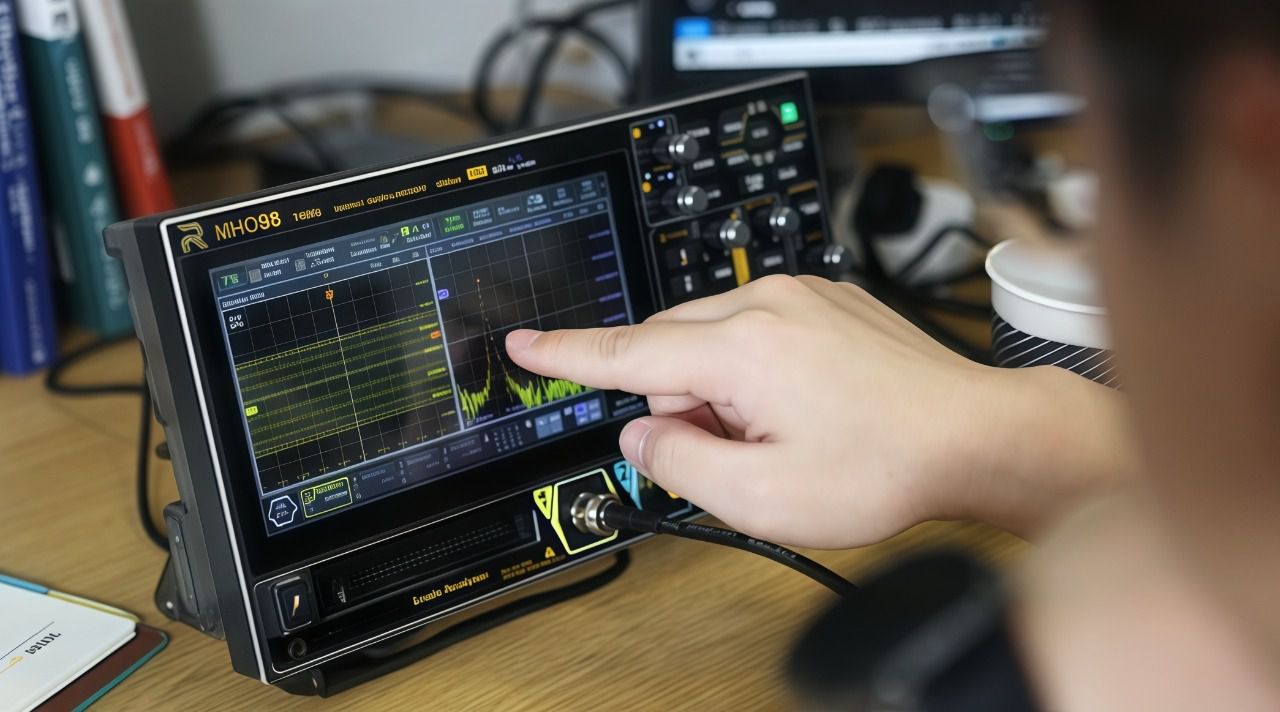
In many cases, direct on-site observation is not possible. In this case, the oscilloscope can be connected to a computer to monitor the signal remotely via a software interface, and record data at any time. With the MHO98, this feature is developed to suit applications that require continuous monitoring in the laboratory or manufacturing plant.
Advanced signal processing and analysis:
Technicians often work with complex waveforms or high-noise signals. The software provides noise filtering, displays multiple signal types, and allows annotations to be added directly on the computer.
Integration with other devices and software:
Connecting the oscilloscope to the computer also supports working with programming software or automation design. This is a useful solution for technicians who want to build an automatic testing system or collect data for research and product development.
Read more:
Point out 4 common mistakes when testing equipment with an oscilloscope
For those new to oscilloscopes, See now 6 tips for using oscilloscope for beginners
Core control groups on an oscilloscope and how to use them
Conclude:
By exploiting the features of the Rigol MHO98 series, you can improve your testing process, analyze signals and work more efficiently.
If you want to learn more about how to connect and use an oscilloscope with a computer, you can refer to the instructions or practical experience to evaluate the most obvious benefits.